
Wednesday, 17 February 2016


Tuesday, 16 February 2016


Monday, 15 February 2016




Friday, 12 February 2016
friday post
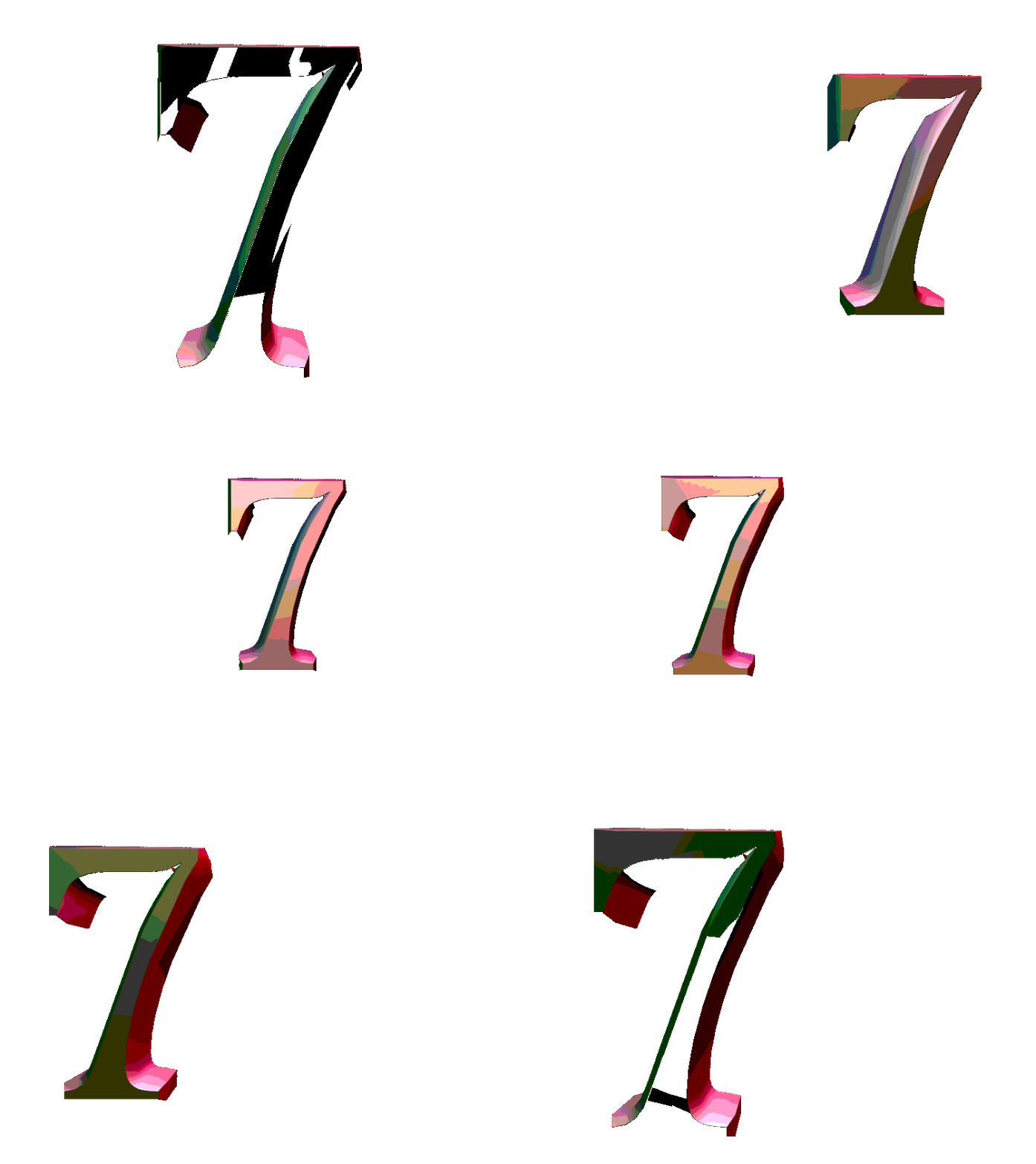
what i did this week: finished my parking lot post by putting my letters i made last week by erasing pictures into the right places to spell my name then with the images that made my name i got a picture of a parking lot and put it over top after selecting all the letters after that i selected everything besides the letters and deleted it
what i learned this week: i learned how to overlay things in Photoshop by selecting the thing i want to over lay and putting the design on top and selecting the opposite side of the thing i want to overlay and delete i also learned how to get an image to the proper size for Photoshop by going to google images than clicking on the image than going to inspect image and than use what shows up there
what i learned this week: i learned how to overlay things in Photoshop by selecting the thing i want to over lay and putting the design on top and selecting the opposite side of the thing i want to overlay and delete i also learned how to get an image to the proper size for Photoshop by going to google images than clicking on the image than going to inspect image and than use what shows up there
Wednesday, 10 February 2016

Friday, 5 February 2016
friday post
what i did this week: some things i did this week is create a blog started work in Photoshop and got into the schools storage to get files.
what i learned this week: what i learned this week is how to do button combinations in Photoshop to do things like highlight (ctrl+thumbnail) many undo(ctrl+alt+z)and many more.
what i learned this week: what i learned this week is how to do button combinations in Photoshop to do things like highlight (ctrl+thumbnail) many undo(ctrl+alt+z)and many more.
Subscribe to:
Posts (Atom)